 DeltaNerd
Your AiM lap data and video, in one place.
Use the Windows app
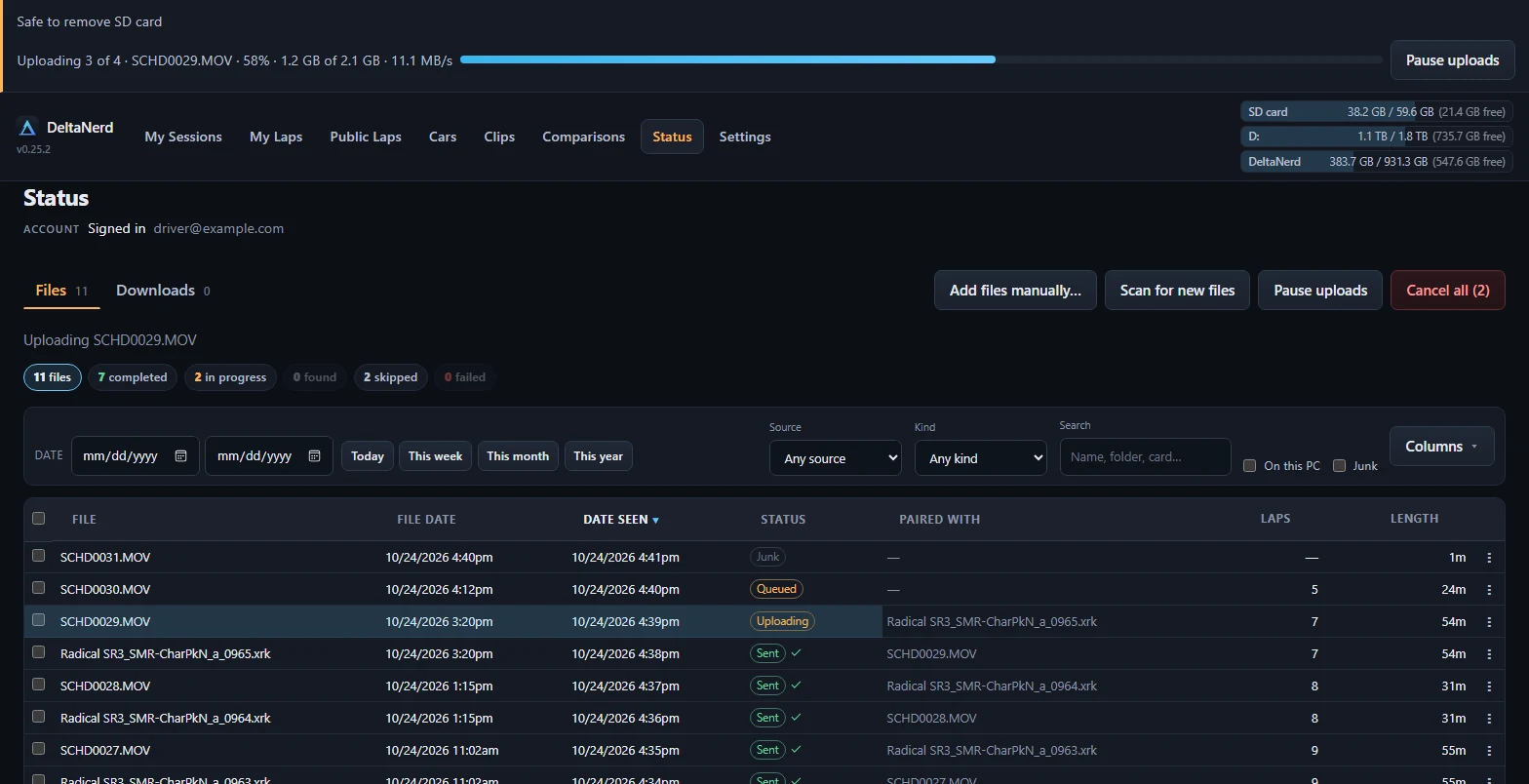
It finds your telemetry and your SmartyCam card, and uploads on its own.
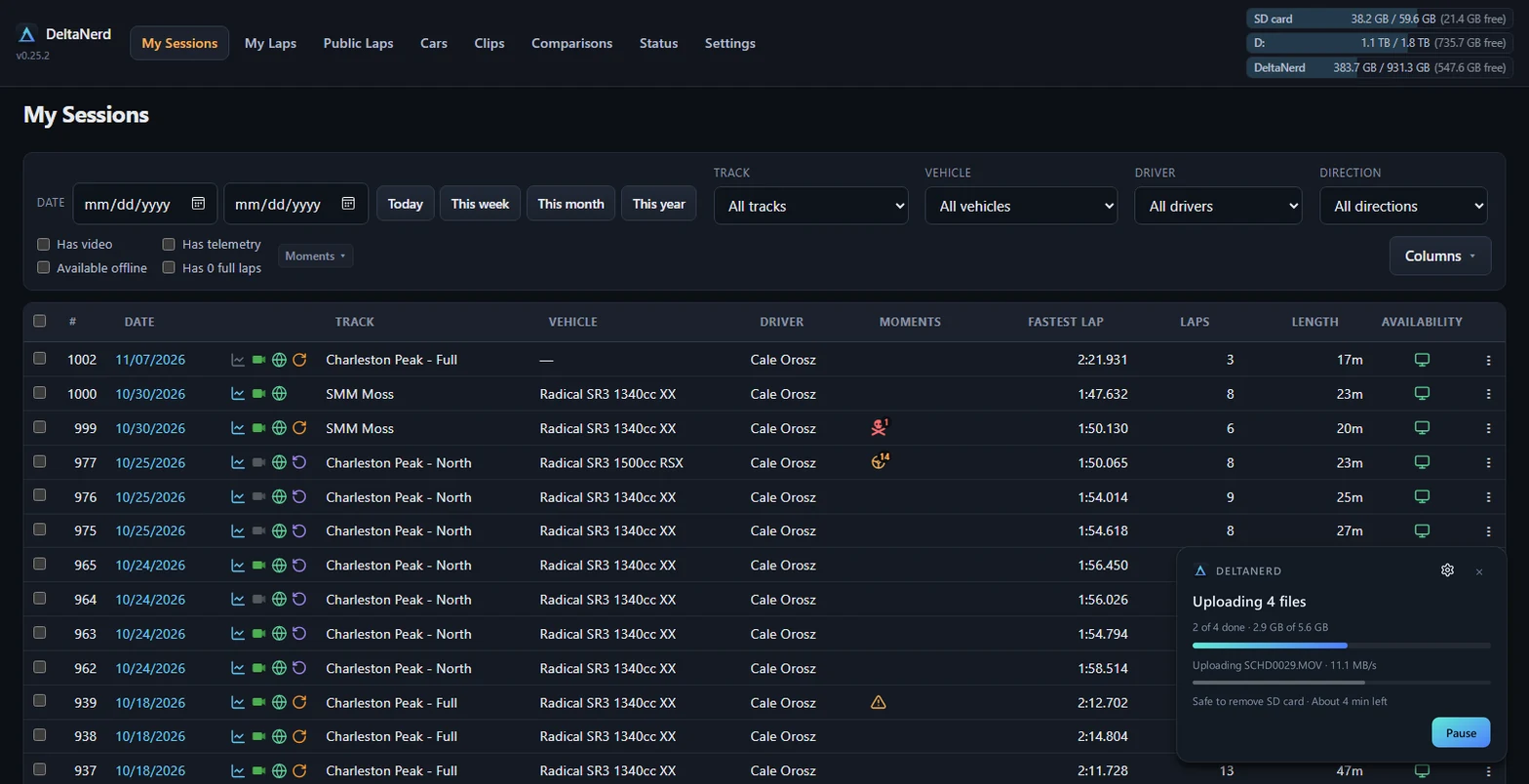
Recent sessions
View allLoading…
Recent sessions could not be loaded.
The Windows app
Finds your SD card
Put in your SmartyCam card and the app picks up the new videos.
Skips videos with no full lap
Pit lane and paddock clips stay off your account.
Uploads only what is new
Files already sent are skipped. A stopped upload picks up where it left off.
Works offline
Your sessions and the viewer work at the track with no internet.
How it works
- Install the Windows app. It watches your RaceStudio 3 folder and your SmartyCam SD card.
- It uploads new sessions on its own. Files you have already sent are skipped, and an interrupted upload picks up where it stopped.
- The site does the slow work. It reads the telemetry, matches each video to the lap it was filmed on, and trims and shrinks the video.
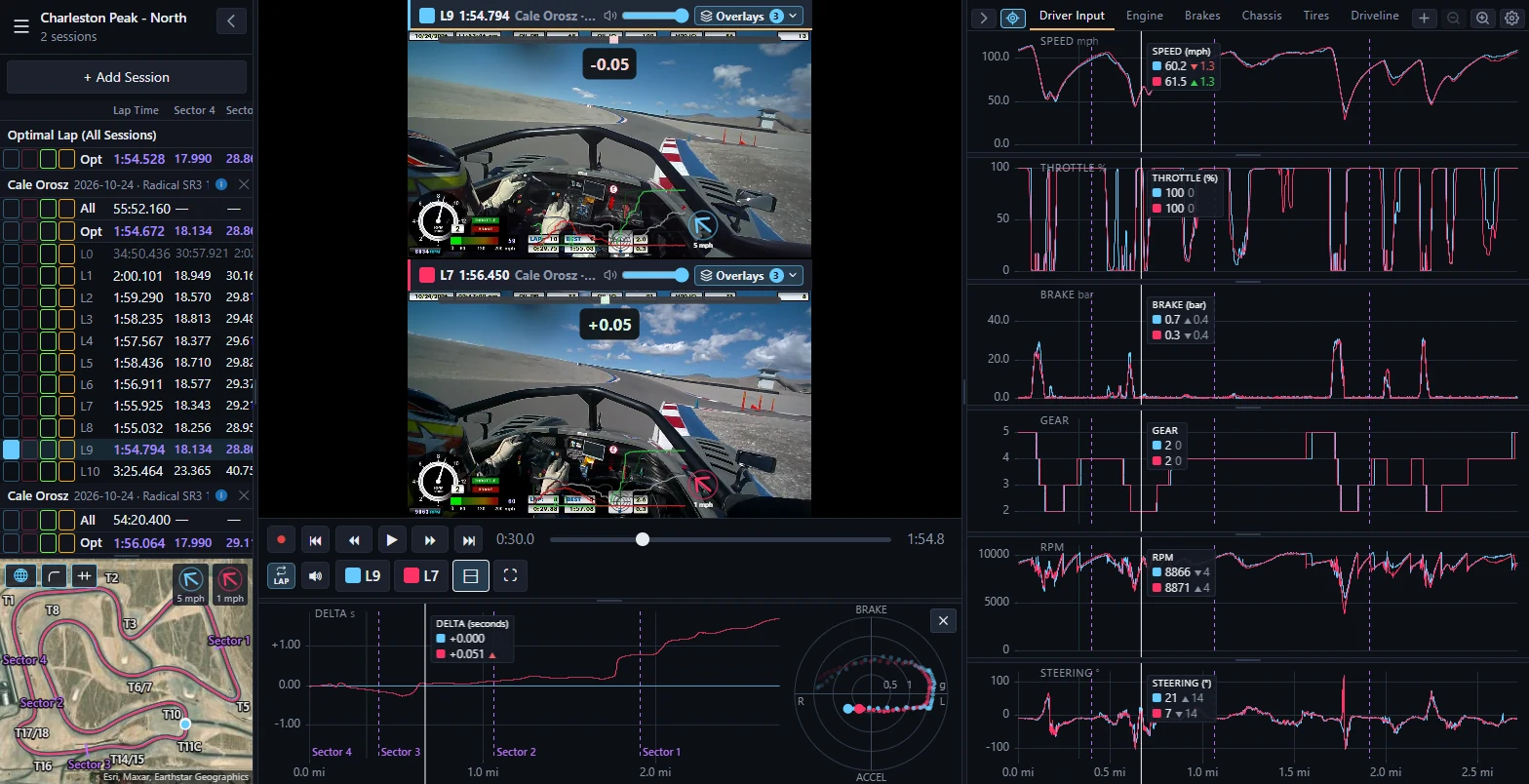
- Then you compare laps here. Up to four laps side by side, with the video, the charts, the track map and a delta bar.
Free. Still being built, so parts of it are missing.